
Turn Your Twitch Streams into Shorts
AI finds the clutch plays and funny moments. Customizable Gaming HUD layouts keep your minimap, health, and facecam in the vertical frame — 100% free in your browser.
Triple elimination clutch inside final circle
High chat velocity burst with decisive 1v3 team wipe during final zone collapse.
Hilarious proximity voice-chat betrayal
Unexpected vehicle flank through smoke
Finding the clip is the hard part.
A great moment might last 20 seconds inside a six-hour stream. Finding it shouldn’t mean watching the whole VOD again.
“You shouldn’t have to find the highlight before using a highlight finder.”
The old way
Hours of manual scrubbing
Gameplay Shorts
AI finds the moments for you
From VOD to Short in four steps
Paste your Twitch VOD
Provide the URL of a Twitch stream you own or are authorized to process.
AI scans for highlights
Gameplay Shorts scans the stream for gameplay clutches, comedy, reactions, fails, and standout moments.
Leave it running
Close the app if you want. Your analysis keeps going and we'll notify you when it's ready.
Edit & export
Choose your highlight, customize your Gaming HUD or facecam layout, add captions and effects, and export a ready-to-post 9:16 Short.
One 12-hour stream. 38 verified highlights.
One stream can contain a lot more content than one Short.
Twitch VOD
Analysis
Verified Highlights
Results vary by stream. This example comes from an actual Gameplay Shorts analysis of a content-rich Twitch VOD.
AI highlight detection built around gaming streams
Gameplay
Clutches, skilled plays and standout in-game moments.
Comedy
Jokes, streamer commentary and moments that are funny on their own.
Reactions
Real reactions with enough context to work as a standalone clip.
Fails
Mistakes, backfires and wonderfully bad decisions.
Surprises
Unexpected moments viewers didn't see coming.
Gameplay Shorts evaluates what makes the moment entertaining — not just whether the screen got loud.
Choose how deep you want to look
Standard Scan
Find the strongest moments.
A focused scan designed to surface the best opportunities from your stream.
Deep Scan
PremiumExplore more potential moments.
Looks broader across the stream to uncover more usable clips that a focused scan might leave behind.
Deep isn’t “better AI.” It searches more possibilities.
Start the scan. Come back when it's ready.
Long VOD? You don’t have to sit around waiting. Start the analysis and close Gameplay Shorts. Your progress and results are saved automatically. We’ll notify you when the scan is finished.
01.Analysis keeps going
Close the tab or shut down your PC. Your analysis continues processing server-side and your state is preserved automatically.
02.Get notified
Opt in with one click to receive a notification on your device when your highlights are ready, so you don’t have to wait around.
03.Come back anytime
Reopen your saved analyses whenever you want to cut another clip. Browse your moments without rescanning or spending more hours.
Turn highlights into Shorts
Don’t just crop your stream. Reposition your Gaming HUD, frame your facecam, burn synchronized captions, and export full-quality vertical video.
Facecam + Game
Stack streamer facecam in the top third and wide gameplay action below. No awkward stretching or missing the streamer’s reaction.
Captions & Karaoke
Generate speech-to-text in one click. Edit transcription text, reposition freely, and burn them directly into your finished Short.
Already have an exported clip?
Convert raw 16:9 gameplay files to 9:16 Shorts free — no AI scan or VOD hours needed.
Add some personality
Add reactions and effects directly in the editor — no extra editing app required.
Facecam Zoom
Punch in on the streamer’s face during jumpscares, clutches, or disbelief.
Impact Shake
Camera shake timed exactly to heavy explosions, team wipes, or critical hits.
Flash
Crisp brightness flash for beat drops, elimination cues, or sudden transitions.
Meme Mascot Overlays
All UsersDrag, scale, and time animated mascot reactions anywhere over your clip.





AI finds it. You decide how it looks.
Every highlight opens in the Gameplay Shorts editor before export.
CropActive in demo
Fill the vertical frame.
Facecam + Game
Show the streamer on top, gameplay below.
Gaming HUD
Reposition minimap, health, and abilities in 9:16.
Fit + Blur
Keep the full gameplay visible with a blurred background.
Fit
Preserve the original frame inside the vertical canvas.
Automatic Captions
Included for all usersGenerate synchronized captions for your highlight in one click. Choose from Clean, Bold, Gaming, or active word-level Karaoke timing, edit transcript text freely, and burn them directly into your final Short.
💡 Crop Mode: Fills the 9:16 vertical canvas completely. Use the pan slider or presets above to center the gameplay action.
Free 16:9 to 9:16 converter · No watermark · Full HD exports
Reposition. Caption. Add Effects. Export.
Your Game. Your HUD. Your Shorts.
Standard vertical cropping cuts off your minimap, health, ammo, and teammates. Gameplay Shorts lets you reposition and scale your HUD with pixel precision — directly in your browser.
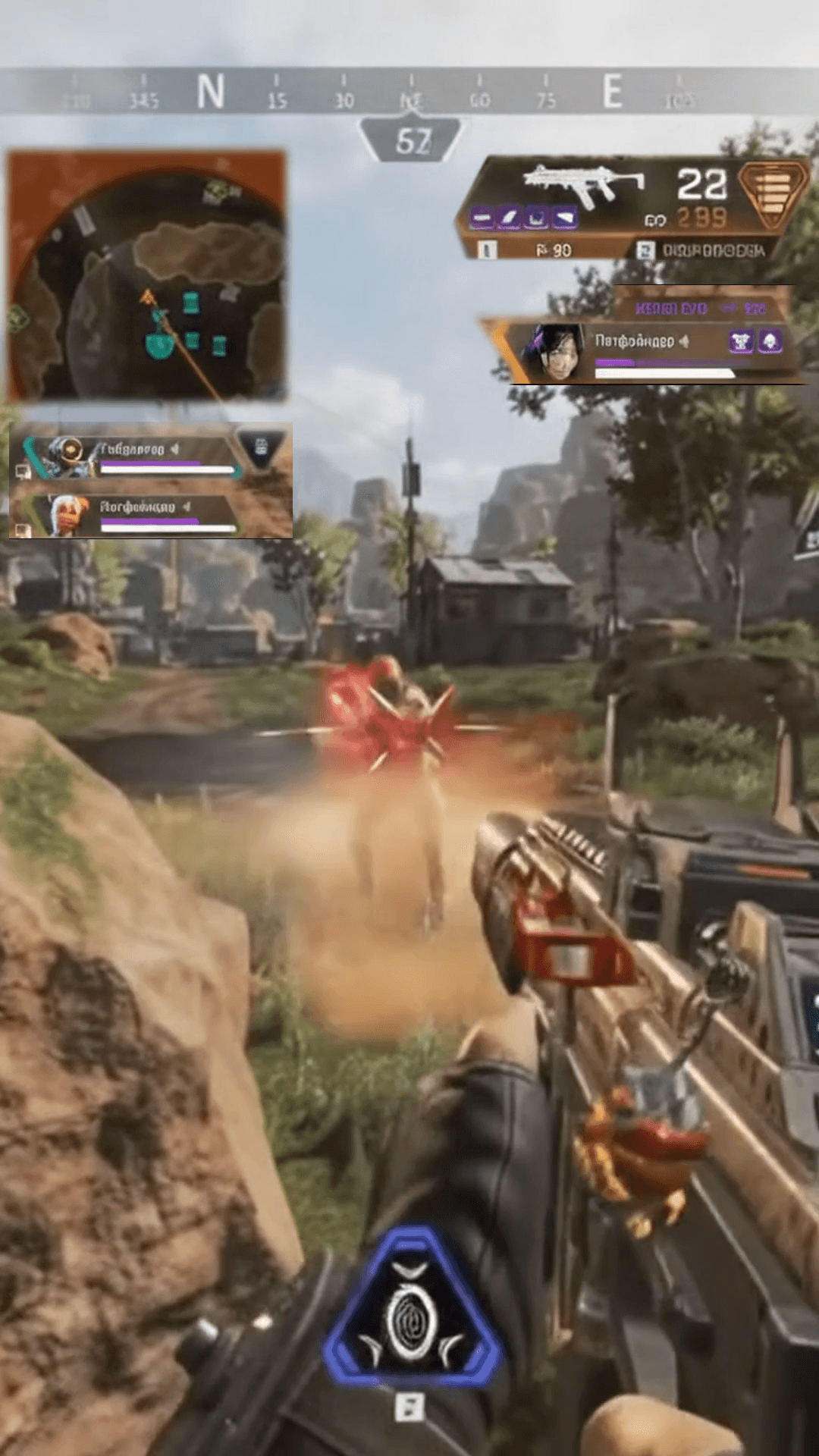
Minimap, squad status, weapons, ammo, and health are repositioned cleanly around vertical gameplay for complete spectator context.
Standard Vertical Crop
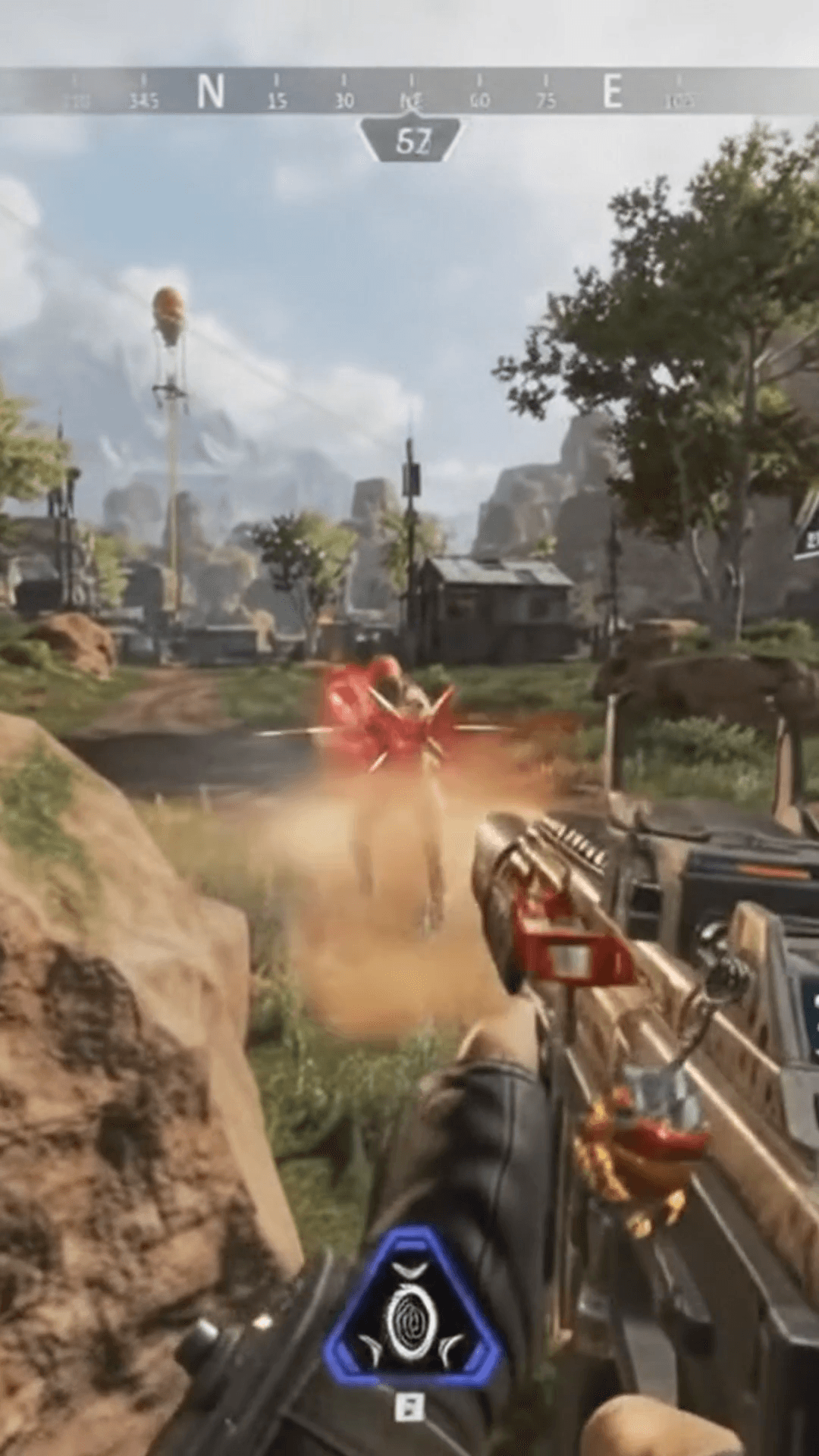
Standard 9:16 center cropping cuts off the minimap, squad survival, and weapon readouts, leaving viewers without match context.
Gaming HUD Layout
Minimap, squad status, weapons, ammo, and health are repositioned cleanly around vertical gameplay for complete spectator context.
9 Built-in Presets
Instant layouts for Apex Legends, League of Legends, Valorant, CS, Dota 2, DBD, and ARC Raiders.
Custom Shape Masks
Isolate HUD elements with feathered rectangular, diamond, and ellipse shape cutouts.
0.1% Precision Positioning
Drag, scale, and adjust X/Y coordinates in exact fractional steps with layer ordering.
Free Browser-Based Editor
Upload 16:9 gameplay clips and export 1080×1920 Shorts without using VOD hours.
Pay for the streams you analyze
Free Account
One-time when you sign in.
GameplayShorts Premium
8 VOD hours every month
Monthly VOD hours don’t roll over.
VOD Hour Packs
Purchased VOD hours never expire. Captions, Karaoke, Facecam + Game & effects included.
VOD hour packs work with Standard Scan and include automatic captions, Karaoke, Facecam + Game, and effects. Premium members can use their purchased hours with Deep Scan while Premium is active.
Frequently Asked Questions
Stop searching. Start clipping.
Analyze your Twitch VOD and let Gameplay Shorts find the moments worth turning into content.