Dota 2 Clip Maker – Turn Gameplay into Shorts
Turn widescreen Dota 2 teamfights and clutch plays into engaging vertical videos for YouTube Shorts, TikTok, and Instagram Reels. Keep your minimap, hero stats, inventory, and ability cooldowns in frame instead of settling for a blind center crop.
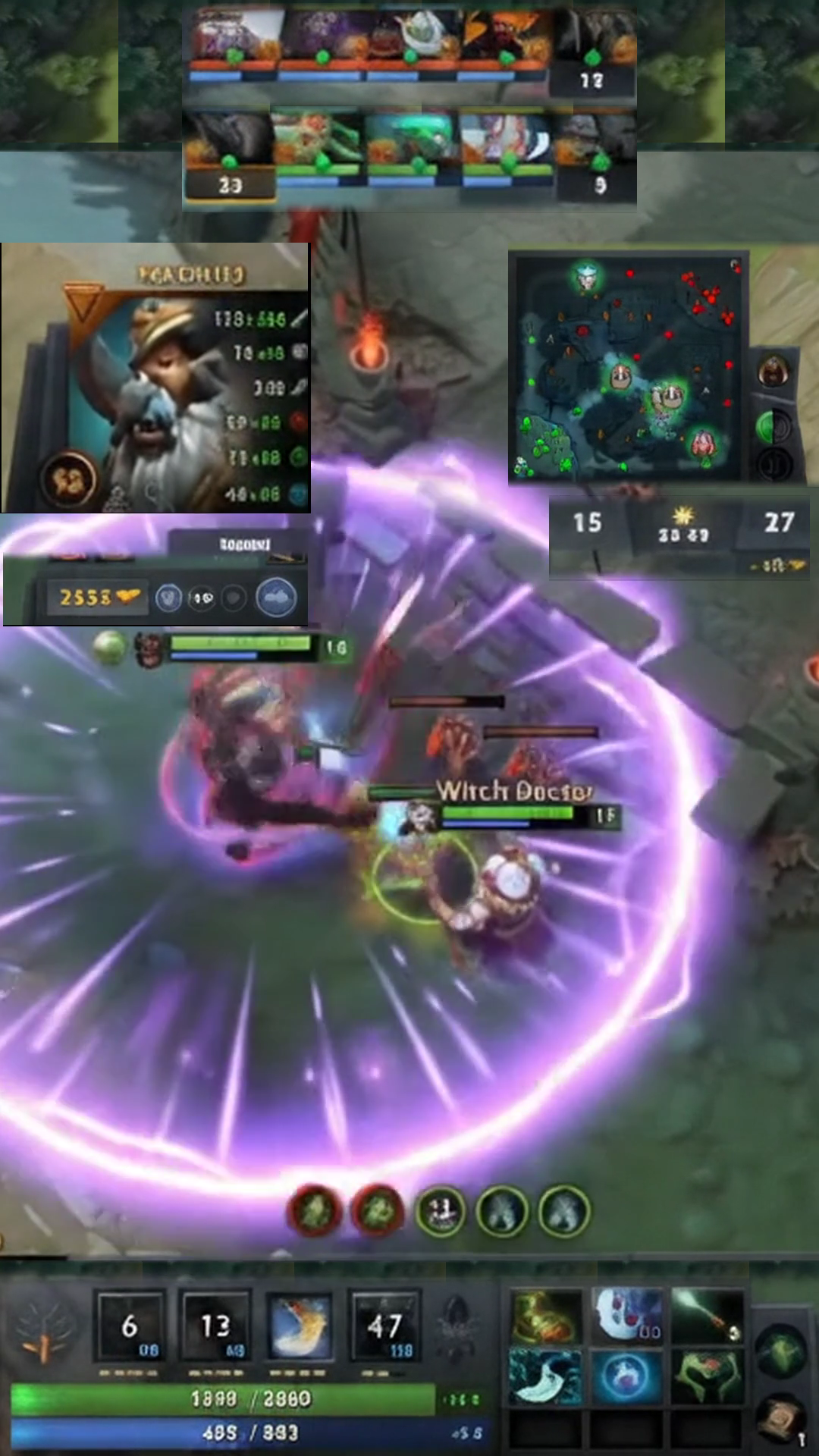
Portraits & respawns placed at top edge.
HP/Mana bars & attributes on left edge.
Repositioned to right edge for rotations.
Spell cooldowns & item actives at bottom.
Top and Bottom Cover Widgets reuse the same sampled neutral ground texture with independent 200% tile scaling, content blur, and edge feathering to cover background seams seamlessly.
Don't Just Crop Dota 2. Rebuild Your HUD for Shorts.
Standard vertical cropping cuts off essential Dota 2 information. Gameplay Shorts lets you rearrange your minimap, hero stats, abilities, and team information around the action.
Top hero portraits and respawn bars remain in frame so viewers see who is alive in the 5v5.
Hero attribute panel, current HP/Mana bars, and stats repositioned cleanly on the left.
Full minimap repositioned to the right edge to show hero rotations, vision, and map movements.
Spell hotkeys, cooldowns, and active item slots repositioned cleanly at the bottom.
Unobstructed vertical framing keeps clutch teamfight spellcasts and positioning front and center.
Hero status, minimap, attributes, and abilities cleanly repositioned around vertical teamfight action.
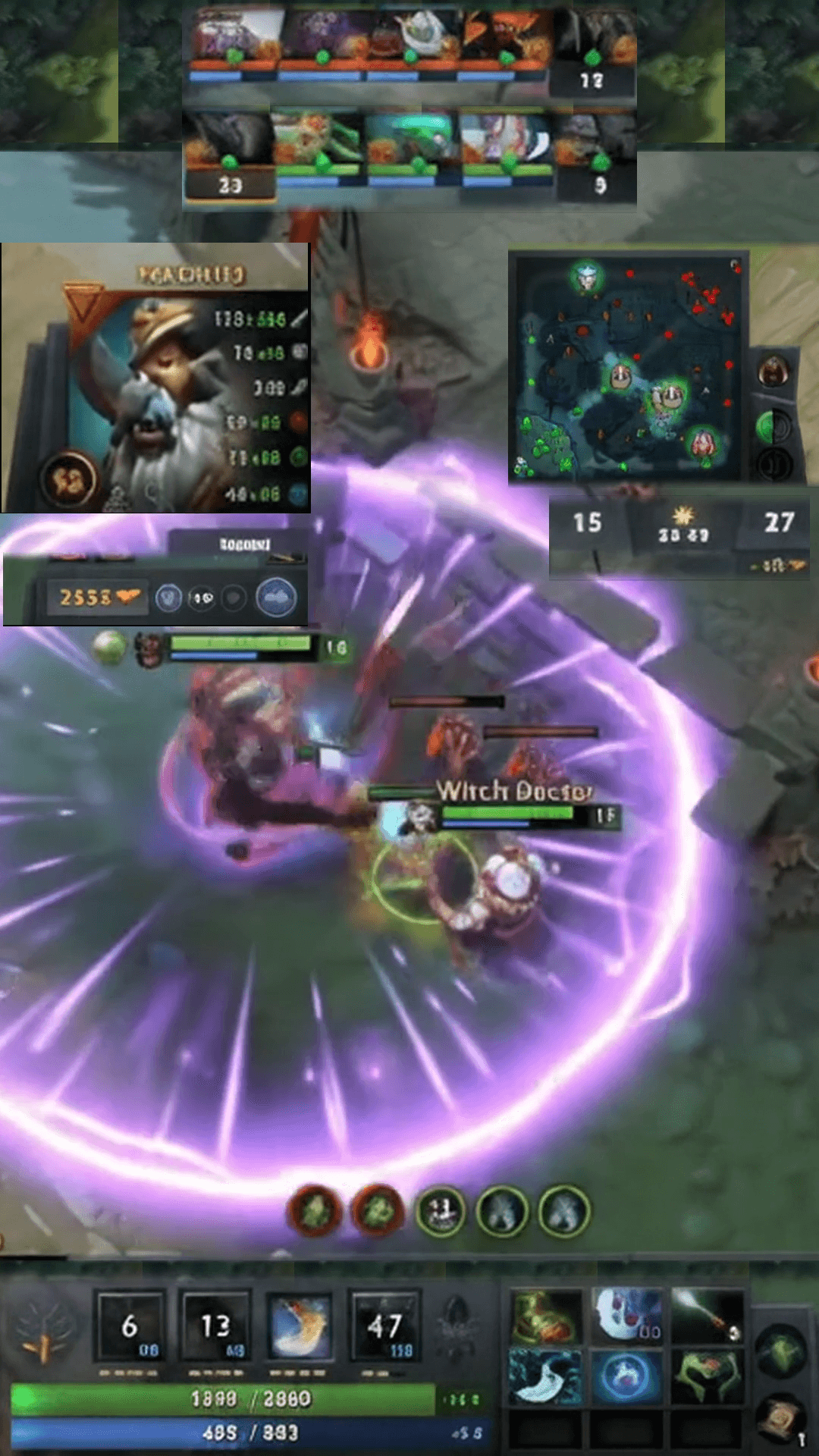
Standard Vertical Crop
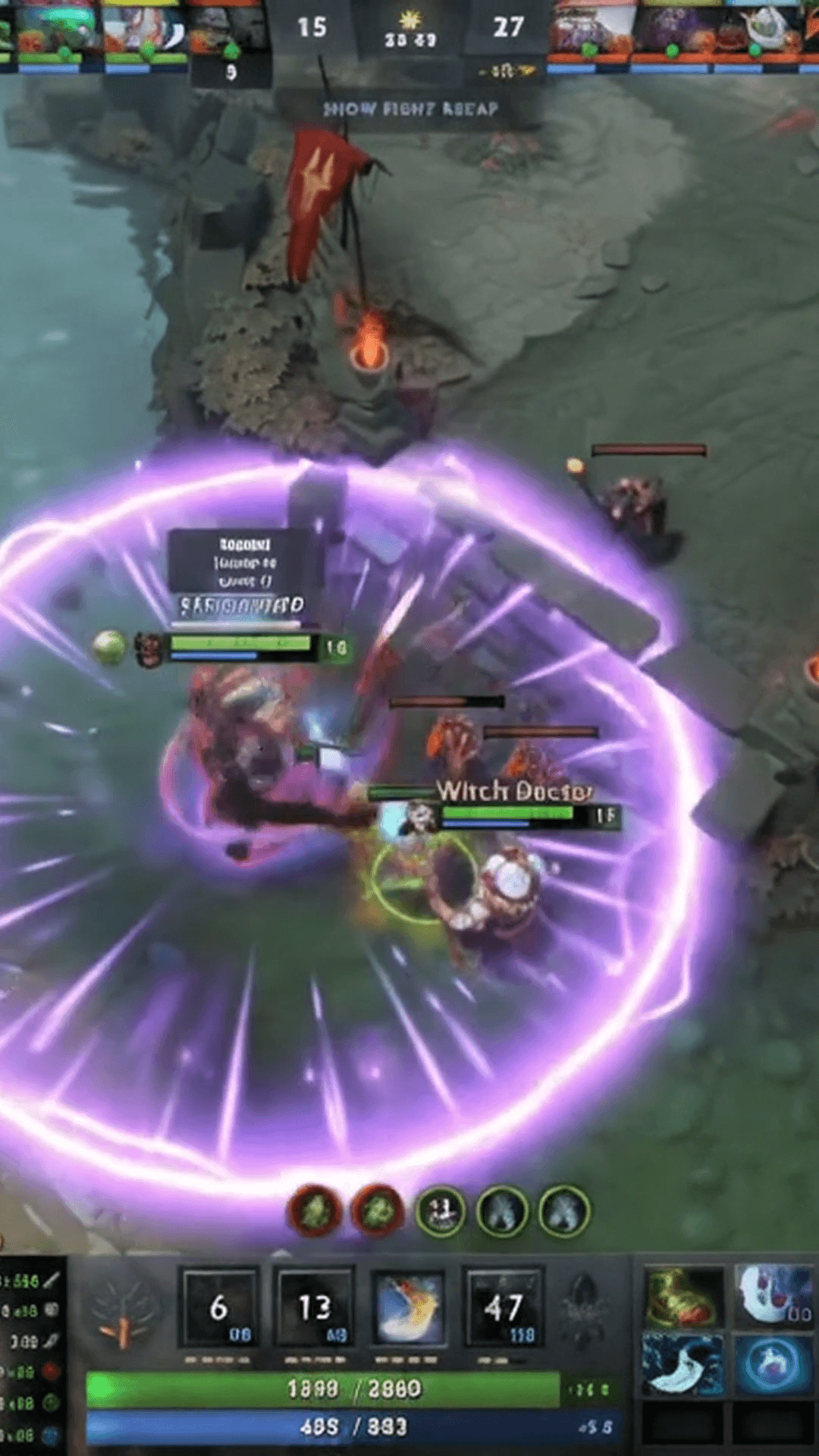
Standard 9:16 center cropping slices away team heroes at the top, the minimap on the right, and hero attributes, leaving viewers without match context.
Dota 2 Gaming HUD Layout
Restores team hero status, minimap, attributes, and abilities with customizable Cover Widgets while keeping central 5v5 teamfight action unobstructed.
Keep Crucial Dota 2 Information in Every Clip
MOBA gameplay is driven by information. A standard vertical crop cuts off more than 60% of the widescreen monitor, discarding hero status, cooldowns, and the minimap. Gameplay Shorts preserves the essential HUD context that makes high-skill Dota 2 plays exciting to watch.
Teamfight Context & Hero Status
Extract and position top hero portraits and respawn bars so viewers can track who is alive during chaotic 5v5 teamfights without missing buyback timings.
Minimap & Map Positioning
Reposition the in-game minimap to the vertical frame edge to display player movements, base pushes, and team positioning during macro rotations.
Hero Health, Mana & Attributes
Keep your hero attribute panel, current HP/Mana bars, and base stats in full view without covering central spellcraft and hero movement.
Ability Cooldowns & Item Inventory
Preserve your spell hotkeys, cooldown timers, and active item slots so viewers understand key clutch timings like Black King Bar or Blink Dagger.
Match Clock & Score Context
Keep the match clock, team kill counter, and day/night cycle readable to establish immediate competitive context for late-game clashes.
High-Visibility Vertical Framing
Keep your hero centered in high-stakes skirmishes while surrounding them with crisp, rearranged interface widgets for clean vertical viewing.
Build Your Own Dota 2 Gaming HUD Layout
Customize how your Dota 2 clips look with full control over widget positions, layer ordering, and sampled texture cover layers.
Custom HUD Widgets
Extract distinct regions from your original 16:9 gameplay video—such as hero portraits or the minimap—and position them freely on the 9:16 vertical canvas.
Layer Ordering
Arrange widgets using Front, Back, Up, and Down layer controls to ensure HUD panels and Cover Widgets stack without unwanted overlap.
Cover Widgets
Mask unwanted original HUD regions or screen seams using Solid Color or Frozen Repeated Tile with adjustable content blur, edge feathering, and opacity.
Duplicate Cover Widgets
Duplicate existing Cover Widgets with linked texture sources. Linked widgets share Source Crop and Frame Sample Time while allowing independent geometry and visual settings.
Precision Layout Controls
Fine-tune widget positioning with −1 / +1 step buttons, center-anchored widget sizing from 25% to 300%, and content zoom scaling from 25% to 200%.
Reusable Custom Layouts
Save your verified Dota 2 HUD layout to your personal account. Apply it to every new highlight video in a single click with zero manual readjustment.
How to Create Dota 2 Shorts in 3 Steps
Transform hours of Dota 2 stream gameplay into vertical highlights ready for TikTok and Shorts in minutes.
Import Gameplay
Upload your Dota 2 video file directly or paste a Twitch VOD link to stream and analyze match footage without heavy manual downloads.
Customize Your Layout
Select Gaming HUD mode, position your hero portraits, minimap, stats, and abilities, and configure Cover Widgets to frame the action cleanly.
Export Your Short
Generate synchronized subtitles, review your vertical composition in the browser, and export a watermark-free 1080×1920 MP4 video.
Surface High-Energy Dota 2 Moments Automatically
Finding the best 30 seconds across a 60-minute match takes time. Gameplay Shorts analyzes your stream signals to identify high-energy action.
Detects intense 5v5 clashes, Black Hole initiations, and chaotic team wipe moments.
Surfaces rapid multikill streaks and carry hero rampages through audio and chat excitement.
Flags low-health survivals, clutch jukes through the trees, and clutch Blink escapes.
Identifies Aegis steals and pit fights where the momentum of the entire game flips.
Captures mega-creep holds and base races decided by seconds of ancient attacks.
Pinpoints voice volume spikes, genuine disbelief, and funny streamer reaction moments.
Our highlight detection analyzes audio dynamics, streamer vocal energy, chat activity, and visual motion to surface candidate clips. It does not parse game-engine event logs or guarantee specific in-game events.
Flexible Layout Formats for Any Gaming Clip
Choose the vertical framing style that matches your gameplay footage and content strategy.
Best for Dota 2. Restores hero portraits, minimap, attributes, and abilities over centered action.
Places your webcam feed at the top while centering widescreen gameplay in the lower section.
Fills the complete vertical 9:16 screen with centered action for fast-paced, HUD-free viewing.
Keeps the entire 16:9 gameplay frame intact with an ambient blurred background fill.
Centers the complete 16:9 frame with clean dark letterboxing above and below.
Add Captions to Your Best Dota 2 Moments
High-intensity team comms, initiation callouts, and victory screams deserve readable subtitles. Automatically transcribe your speech and burn animated captions into your MP4.
Minimalist white lettering with subtle drop shadow.
High-contrast stroke for immediate mobile impact.
Tactical gaming font tuned for esports highlights.
Word-by-word active highlighting as you speak.
Turn Your Dota 2 Highlights into Viral Shorts
Start with 2 free VOD hours. Paste your Dota 2 Twitch stream or upload gameplay, apply our verified 9:16 Gaming HUD layout, and export clean, watermark-free vertical Shorts in minutes.
2 VOD hours free for new eligible accounts • Dedicated Dota 2 Gaming HUD Layout • Watermark-free 1080×1920 MP4
Frequently Asked Questions
How do I turn Dota 2 gameplay into YouTube Shorts?
Can I keep my Dota 2 minimap visible in vertical clips?
Can I reposition hero stats and ability icons?
What is a Gaming HUD layout?
How do Cover Widgets work?
Can I duplicate Cover Widgets and share the same texture?
Can I save my custom Dota 2 HUD layout?
Can Gameplay Shorts find exciting Dota 2 moments automatically?
Can I add captions to Dota 2 clips?
What video format can I export?
Gameplay Shorts is an independent tool and is not affiliated with or endorsed by Valve Corporation. Dota 2 and related trademarks belong to their respective owners.